When it comes to buying a domain name, the most dependable platform that comes up first after Google Search is GoDaddy. GoDaddy is a well-known domain registrar around the world. Since 1999, the company has grown steadily as more and more people move their businesses online. Despite the shutdown of the real world during the pandemic, people found that promoting their enterprises online was the most effective option.
GoDaddy offers a complete solution for people who manage websites or want to take their businesses online. The platform provides other services for website maintenance.
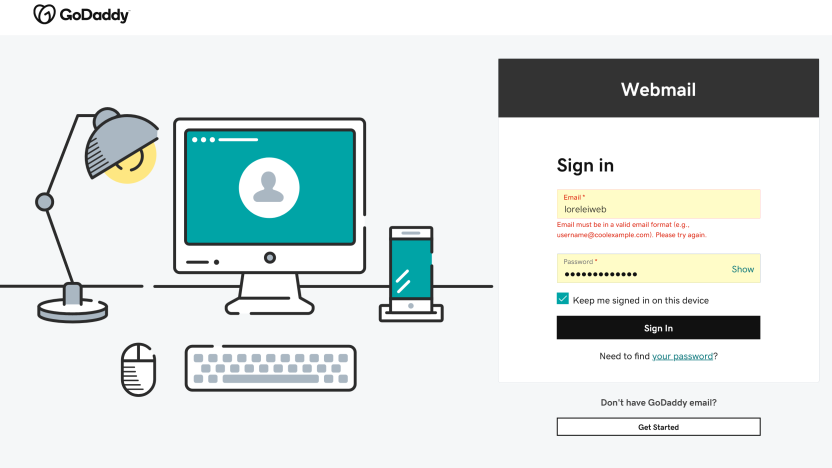
It is simple to sign in and log in to the GoDaddy email address, just like any other site.
You can log in to GoDaddy’s email account by following the steps below.
- Step 1: Launch your browser and navigate to GoDaddy’s website.
- Step 2: A ‘Sign In’ option will display in the top right corner; click on it.
- Step 3: Under Sign In, there is a section for Registered Users; click on the Sign In option underneath it.
- Step 4: Enter your GoDaddy email account’s username or customer ID, as well as your password.
You can instantly log in to a GoDaddy email account by following the steps outlined above.
When people log in to their GoDaddy email account, they frequently forget their password or username. At times like these, our memory fails us. However, every platform offers a ‘Forgot Password’ option for such erroneous issues.
Follow the steps below to reset your GoDaddy email account or password.
- Step 1: When signing in as an existing user, a small option called “Forgot Password” appears. Simply click on it.
- Step 2: Enter your customer ID or username.
- Step 3: A window will pop up with the option to enter the recovery email address. These email addresses will be linked to your GoDaddy account. Choose the one you’re currently using.
- Step 4: An email with a link to reset your password and log back into your account will be sent to the email address you provided.
GoDaddy has a fantastic workspace. It offers an email service that is not free but is an excellent marketing resource. It also offers a login in partnership with Microsoft Office 365. You can quickly log in and integrate your GoDaddy account.
GoDaddy offers services to develop the full platform for people who are unfamiliar with the mechanics of building a website. You may obtain the whole product at a low cost with updated bundles. Services that would cost a lot if purchased separately are available in whole bundles at a discount. The combined WordPress bundle is the most affordable. WordPress, the main content management system, offers excellent templates and plugins for creating a whole website.
Even if you are overwhelmed by the multitude of possibilities that may appear on your screen, GoDaddy offers short videos to help you get started in a matter of minutes. What’s more, customer service is available 24 hours a day, seven days a week.
What are the advantages of domain-based email addresses?
A domain-based email address, such as info@toptut.com, makes you appear more professional to customers while promoting your website and business. Customers are 9 times more likely to choose a business with a professional email address.+ Every time you send an email from a domain-based address, you promote your domain name and encourage customers to visit your website.
And with each plan, you can set up free alias addresses, such as one for your first name (liz@toptut.com) and others for different departments (liz@toptut.com), which all feed into a single inbox and make you look even more professional.
Why Choose GoDaddy as an Email Provider?
GoDaddy should be your first stop if you’re a company looking to go online.
Keep more of what is essential.
We know you get a lot of emails. As a result, our plans include plenty of storage for your email, contacts, and shared calendars. When you use us to create a business email, you’ll always have enough capacity and won’t have to delete messages to make room.
Names you recognize and trust.
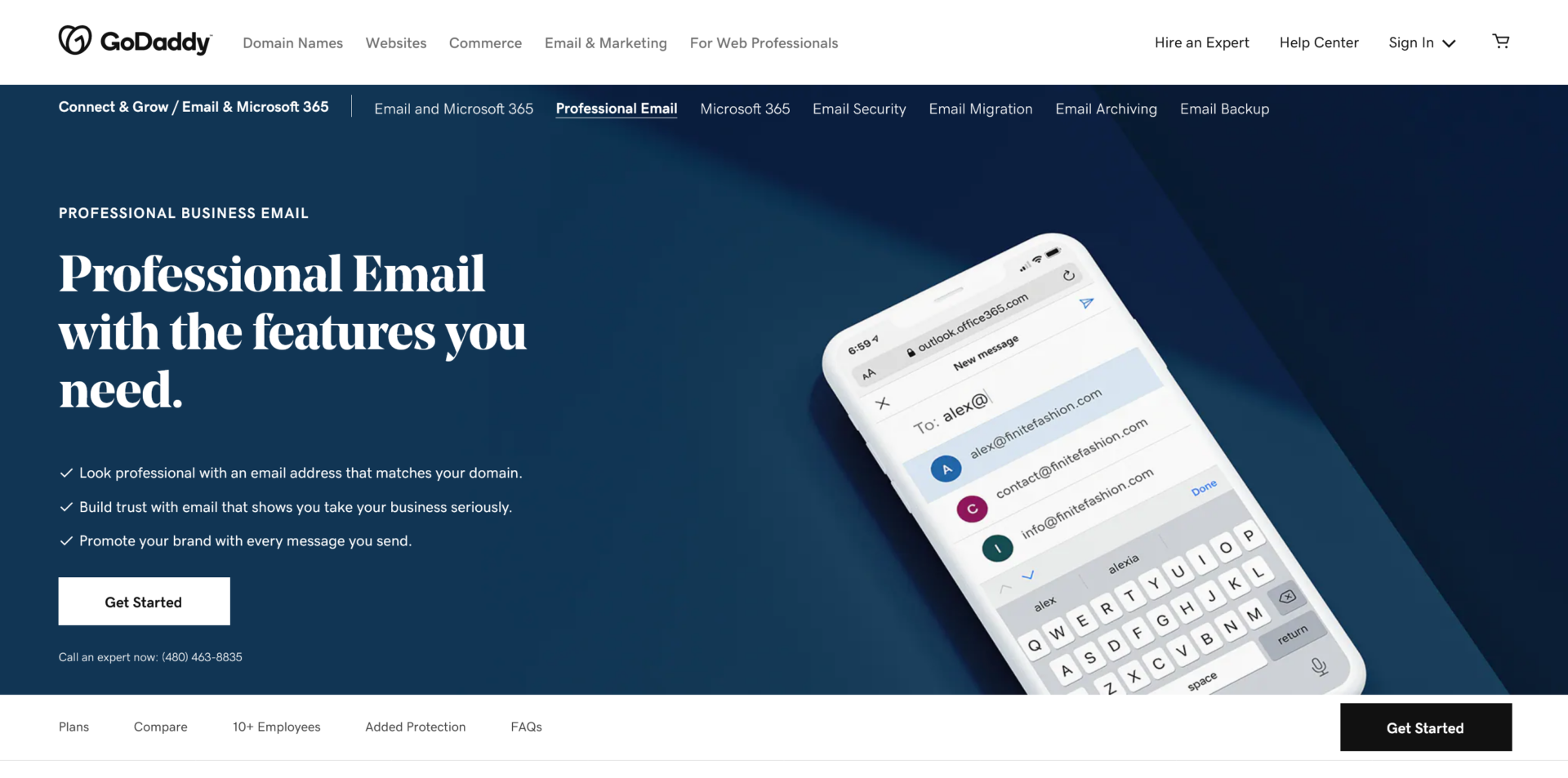
Peace of mind is available with Microsoft 365 from GoDaddy. Every email subscription comes with Microsoft’s 99.9% uptime guarantee and award-winning 24/7 support. You’ll have peace of mind knowing that an all-star crew is handling your email.
Your very own IT specialist.
To set up a business email with GoDaddy, you don’t need to understand SMTP relays or MX records. Our award-winning expert help is available around the clock. They can also assist you in migrating your existing email hosting account to our platform.
Your devices are all in sync.
Always have your most recent emails, contacts, and appointments at hand. Microsoft 365 from GoDaddy email services integrates with Outlook, Apple Mail, and other popular programs to keep your devices up-to-date and in sync, from your laptop to your smartphone to your tablet.
More than ten people in your team?
Microsoft 365 provides your entire team with the tools they need to succeed, from your professional email address and safe storage to the most recent versions of Office programs on up to 5 devices per user.
Don’t want to deal with the headache of switching email hosting platforms? Our professionals can assist you. They will work behind the scenes whenever it is suitable for you to ensure that there is no downtime or disturbance while we set up a corporate email account for you.