
Enterprise AI Agents: A Framework for Safe Rollout

Enterprise AI agents are already moving into real workflows – answering customer questions, helping employees, and completing tasks across internal systems. But shipping an AI agent isn’t like shipping a regular software feature.
An agent that works perfectly in a demo can behave very differently in production. It might call the wrong tool, pass incorrect parameters, or fail halfway through a workflow because real users ask unexpected questions and interact with it in ways you didn’t test.
A structured rollout helps catch those issues before they affect users. In this guide, we’ll look at a practical framework for deploying enterprise AI agents safely, along with the testing practices that keep them reliable in production.
What Are Enterprise AI Agents?
AI agents for enterprise are autonomous systems that access company data, reason through complex problems, and execute multi-step workflows across business tools with minimal human intervention.
They work by connecting to existing data sources like databases, documents, and business applications. When you give an agent a task, it retrieves the information it needs, determines what actions will solve the problem, and executes those actions automatically.
Unlike traditional software that follows pre-programmed rules, AI agents adapt their approach based on context. They interpret requests written in natural language, handle situations they have not seen before, and make decisions about which steps to take. This makes them useful for work that involves judgment calls, changing conditions, or tasks that vary each time you do them.
Why Do Enterprise AI Agent Rollouts Fail?
A March 2026 survey conducted by Gartner found that 78% of enterprises have at least one AI agent pilot running, but only 14% have successfully scaled an agent to organization-wide production use.
That’s because getting an agent to work in a pilot is very different from getting it to work reliably in production.
- Pilots run on clean data but production doesn’t: Pilots are tested on curated, clean datasets in a controlled environment. The moment that same agent is pointed at real production data – full of edge cases, inconsistencies, or incomplete information – the agent starts making mistakes that never showed up during testing.
- Governance gets added later, not built in from day one: During a pilot, teams often focus on getting the agent to work first. Questions like “What can the agent access? Which actions need approval? What should be logged for auditing?” are pushed until just before deployment. By then, changing the agent’s behavior is much harder because those decisions affect how it interacts with every connected system.
- Poor integration with business systems: An agent is only as reliable as the systems it depends on. Failed API calls, outdated data, or workflow errors can stop it from completing a task.
- No clear guardrails: Every task shouldn’t be fully automated. High-risk actions, such as approving payments or accessing sensitive data, often need approval steps or stricter controls.
- Agents start too broad instead of starting narrow: Agents that are scoped to one well-defined task with measurable output tend to scale reliably. An agent with broad permissions can perform the wrong action if it misunderstands a request. Following the principle of least privilege helps reduce that risk.
Most rollout failures aren’t caused by the AI model itself. They’re caused by decisions around scope, integrations, permissions, testing, and monitoring. Get those right, and the chances of a successful production rollout improve significantly.
How Can You Roll Out Enterprise AI Agents Safely
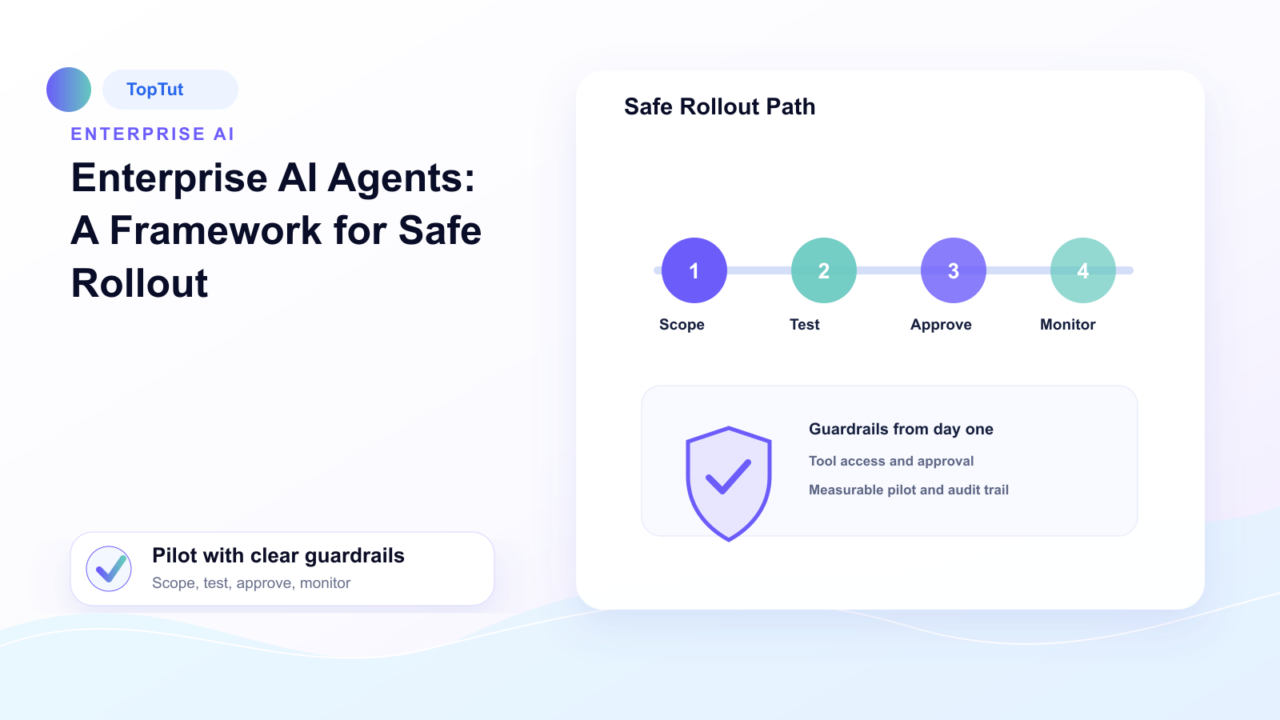
When rolling out an enterprise AI agent, the goal is to make sure it performs reliably once real users start interacting with it. While every organization follows its own process, most successful rollouts share the same core principles.
Start with one narrow use case
One of the biggest rollout mistakes is asking an AI agent to do too much too soon.
Instead of building an agent that handles every customer support request, start with one well-defined workflow, such as answering order status questions or processing refund requests. Agents built for a single, measurable task are easier to evaluate, improve, and scale than agents expected to handle broad, open-ended work.
Once the agent performs reliably, you can gradually expand its scope to more complex tasks.
Decide what success looks like
Before rollout, decide how you’ll measure success. Otherwise, it’s difficult to know whether the agent is improving the process or simply shifting work elsewhere.
The right metrics depend on the use case, but common ones include task completion rate, response accuracy, human escalation rate, and average task completion time. Tracking them from day one makes it easier to measure the impact of future prompt, model, or workflow changes.
Set clear operating boundaries
An enterprise AI agent should never have unrestricted access to business systems.
Decide which tools it can use, which data it can access, and which actions require human approval. For example, an agent might create a support ticket automatically but require approval before issuing a refund above a certain amount.
Applying the principle of least privilege limits the impact of mistakes and reduces the risk of unintended actions.
Run the agent in shadow mode first
Before giving an AI agent permission to perform real actions, run it in shadow mode. In this mode, the agent receives the same requests as it would in production, but its actions aren’t executed. Instead, it records what it would have done.
This lets teams compare the agent’s decisions with the actions taken by people or existing systems. If the agent selects the wrong tool, misinterprets a request, or produces an incorrect outcome, you can identify the issue without affecting customers or business operations.
Keep the agent in shadow mode until its decisions are consistently accurate for your target use case. Once you’re confident in its performance, you can gradually enable real actions for low-risk workflows before expanding to more critical ones.
Roll out gradually and monitor continuously
Avoid releasing an AI agent to every user at once. Start with internal teams or a pilot group, review the results, fix issues, and expand gradually.
Monitoring shouldn’t stop after deployment. Changes to prompts, models, APIs, or connected systems can affect how the agent behaves over time. Track failures, user feedback, and key performance metrics to catch regressions before they affect more users.
How to Test AI Agents Before Deployment
An AI agent can perform well in a demo and still break once it starts handling real users, real data, and real business workflows. Good testing helps you find those issues before they affect actual users.
Test what the agent does, not just what it says
If your agent uses tools to connect to other systems, this is where most of your testing effort should go – checking whether it calls the right tool, with the right inputs, in the right number of steps.
A response can look correct even when the agent fails to complete the task. An agent that writes a perfectly worded response but calls the wrong API or passes the wrong order ID has still failed, even if the output reads fine.
Build your test set from real failures, not assumptions
Write down the bugs you’ve already found and turn them into repeatable tests, so the same issue doesn’t come back after a fix. A test set built from real production traces and real bugs is far more useful than one built from anticipating what might go wrong.
Verify that the agent follows business rules
A response can be correct and still violate your business rules. For example, an agent might approve a refund that requires manager approval or expose information the user shouldn’t be able to access.
Test the policies that matter to your business, not just the quality of the response. The agent should follow the same rules and approval flows as a human.
Test how the agent handles ambiguous requests
Real users don’t always ask clear, well-structured questions. They leave out important details, combine multiple requests, or use vague language.
Test whether the agent asks follow-up questions when it doesn’t have enough information instead of making assumptions. A reliable enterprise AI agent should know when to ask for clarification, when to proceed, and when to hand the task to a person. This helps reduce incorrect actions and improves the overall user experience.
Re-run your tests every time something changes
Every change to a prompt, a tool, a model, or a policy should trigger a regression run. AI agents change more often than traditional applications, and these updates can affect behavior in unexpected ways.
Re-running the same evaluation suite after every meaningful change helps catch regressions before they reach production.
Automate AI agent testing as the agent grows
Manual testing is enough when you’re validating a handful of workflows. But as the agent takes on more tasks, tools, and integrations, the number of possible interactions grows quickly. Re-testing everything by hand becomes difficult.
A dedicated AI testing platform helps by turning those checks into repeatable evaluations that can run automatically. Instead of testing the same workflows before every release, teams can validate them continuously and catch regressions before they reach production.
One way to do this is with an AI-native testing platform like TestMu AI (Formerly LambdaTest). It helps teams automate AI agent testing by validating workflows, evaluating responses, and detecting regressions across real-world scenarios. That makes it easier to ship updates with confidence as the agent evolves.
What Are the Best Practices for Enterprise AI Agent Rollouts?
Let’s look at a few best practices that you should keep in mind while rolling enterprise ai agents into production:
- Start with low-risk workflows. Prove the agent in simpler, lower-impact tasks before expanding to business-critical processes.
- Keep humans involved where needed. Require human approval for actions involving financial, legal, security, or other high-risk decisions.
- Test after every meaningful change. Re-run evaluations after prompt updates, model changes, tool integrations, or workflow modifications.
- Monitor production behavior continuously. Track failures, user feedback, task completion, and other key metrics to identify issues early.
- Expand gradually. Roll out to a small group first, resolve issues, and increase adoption in stages instead of deploying to everyone at once.
These practices help reduce rollout risk and make it easier to improve AI agents as business requirements, models, and connected systems evolve.
Conclusion
Testing AI agents can save teams a lot of time, but only if they’re deployed carefully. A successful rollout starts with a clear use case, expands gradually, and relies on continuous testing instead of one-time validation.
The goal isn’t to build an agent that works perfectly in a demo. It’s to build one that keeps working reliably when real users, real data, and real business workflows come into the picture.
