How to Rewrite Weak WordPress Intros with ChatGPT
Give ChatGPT the article’s reader, result, outline, and current opening. Compare two short alternatives against the body before replacing a weak WordPress introduction.

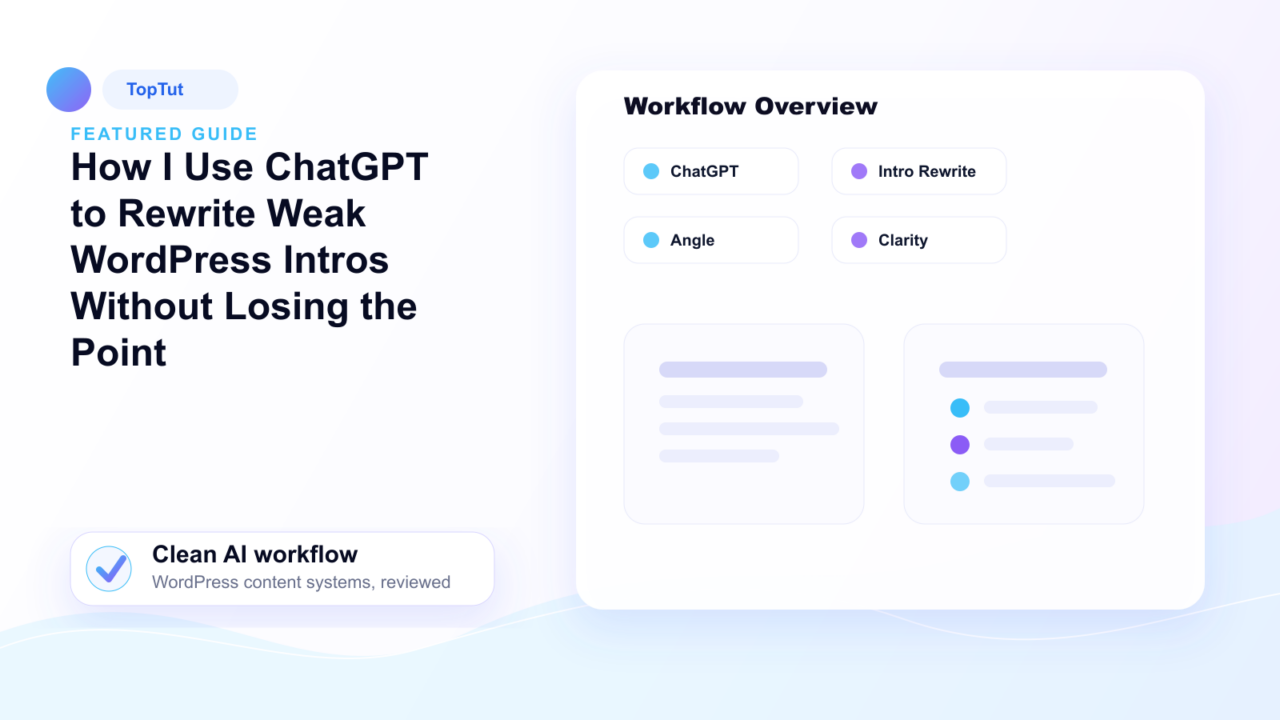
An introduction is weak when it delays the answer, repeats the headline in different words, or promises a result the article does not deliver. ChatGPT can propose alternatives, but it cannot establish what the author tested or what the body actually proves. Those are editorial decisions.
Diagnose the opening before rewriting it
Read the title, first two paragraphs and the next heading together. Write the page’s job as “This helps [reader] do [result] under [condition].” If the result is unclear, fix the article’s angle before polishing its opening. If the body is a step-by-step guide, the introduction should tell a reader what they can do after following it. If it is a comparison, name the choice and the criteria.
The following is a constructed example for a tutorial about a first WordPress page built with a visual editor. It illustrates an edit; it does not claim to quote a prior TopTut version. The underlying task is covered by TopTut’s first-page guide.
| Opening | What it gives the reader |
|---|---|
| “In today’s digital landscape, visual editors have transformed the way websites are created. This guide explores the many benefits of this powerful tool.” | No first action, reader condition or supported result. “Transformed” is an unsupported significance claim. |
| “To make your first page with a visual editor, install the tool, create a page, add a container and heading, then check the result at a narrow screen width. This guide takes you through those steps.” | A task, sequence and finish line. The body must actually contain these steps. |
The second version is useful only if the tutorial really covers those steps. An attractive sentence that outruns the article is still a bad introduction. Keep the original angle when the first paragraph is clumsy but the underlying reader task is sound.
Ask ChatGPT for constrained alternatives
Title: [paste].
Reader and result: [one sentence].
Current introduction: [paste].
Full outline: [paste headings and short notes].
Write two alternative introductions, each 60–90 words.
State the answer or task within the first two sentences.
Preserve the article’s original claim and intended reader.
Do not invent tests, statistics, quotes, product capabilities, or personal experience.
After each version, list every promise it makes that must be present in the body.
The final line is the important check. It makes a smooth but inaccurate promise visible. Read both alternatives alongside the full article. Combine a useful sentence with the original if that produces the clearest version; there is no reason to accept either draft whole. A good introduction can be shorter than the prompt’s requested range.
Check four common failure modes
- Delayed answer: the opening announces the topic for two paragraphs before saying what the reader will do. Move the result up.
- Unsupported authority: “experts agree,” “the best method,” or “proven to increase traffic” appears without evidence. Source it precisely or remove it.
- Invented experience: the draft says “I tested,” “we found,” or “our clients” when the article provides no such work. Remove the claim.
- Outline mismatch: the opening promises pricing, performance or a comparison the body never covers. Repair the body if that content belongs; otherwise narrow the opening.
Do not remove every caveat to sound decisive. An article about a feature with version-dependent behavior may need a short condition in its first paragraph. The condition should make the answer more accurate, not postpone it.
Finish in WordPress, then check the public page
Paste the chosen introduction into the post and read it with the next heading. Remove repeated sentences left behind by the change. Inspect the manual excerpt in the post settings; WordPress documents that field. Also check the search description and any featured quick-answer box so they do not disagree with the body.
Google’s people-first content questions ask whether the title summarizes the page and whether a visitor leaves with enough information to achieve a goal. The opening should set up that answer; it cannot substitute for missing steps later in the article. Preview the post, then open its ordinary public URL and read the first screen as a visitor. Check any unexpected links inserted into the revised text.
Keep a strong original sentence when it says the point clearly. The goal is a truthful start that gives the reader a reason to continue, not a different voice for its own sake.
Frequently asked questions
How do I use ChatGPT to rewrite a blog post introduction?
Give it the title, current opening, article outline and a one-sentence reader task. Ask for two short alternatives that answer early and preserve the article’s claim, then check each promise against the full body.
What should the first paragraph of a WordPress post include?
Tell the intended reader what question the page answers or what result the steps deliver. Include an important condition when it changes the answer; leave background that does not help the reader for later or remove it.
How long should a blog post introduction be?
Use only the space needed to state the answer or task and any essential condition. A short direct opening is better than several paragraphs announcing the topic; there is no fixed word count that works for every post.
How do I stop ChatGPT from inventing claims in an introduction?
Tell it not to add tests, statistics, quotes, product features or personal experience. Require it to list every promise in each version, then compare those promises with the article and its sources before using the text.
Should I rewrite the whole article when its introduction is weak?
First check whether the article’s reader task and body are sound. If the body delivers a useful result, fix the opening and repeated nearby sentences. If the promised result is missing, repair the article itself before polishing the introduction.
What else should I update after changing a WordPress introduction?
Read the new opening with the next heading, then check the quick-answer box, manual excerpt and search description for stale promises. Preview the post and inspect the ordinary public page after saving.