When a Traditional CMS Is Overkill: My Guide to Small Business Website Builders

In a Nutshell
Evaluating website builders for small business projects in 2026 requires balancing speed, design quality, and long-term maintainability. My short verdict: A modern website builder is worth using when it reduces real development time, keeps the final design specific to the brand, and does not make the site feel like a generic template. For projects where a full content management system is overkill, I have found that a dedicated website builder for small business like Weblium can deliver faster, more professional results without the ongoing maintenance burden. The tool should serve the business goal, not the other way around.
The Reality of Small Business Websites in 2026
The landscape of web development has shifted dramatically.
For years, the default answer to any website need was a self-hosted content management system. While this approach offers unparalleled flexibility, it also introduces a hidden tax: ongoing maintenance, security monitoring, plugin compatibility checks, and a steep learning curve for non-technical users.
In 2026, small businesses do not just need a website; they need a reliable, fast, and easily manageable digital storefront that allows them to focus on their core operations, not on updating PHP versions.
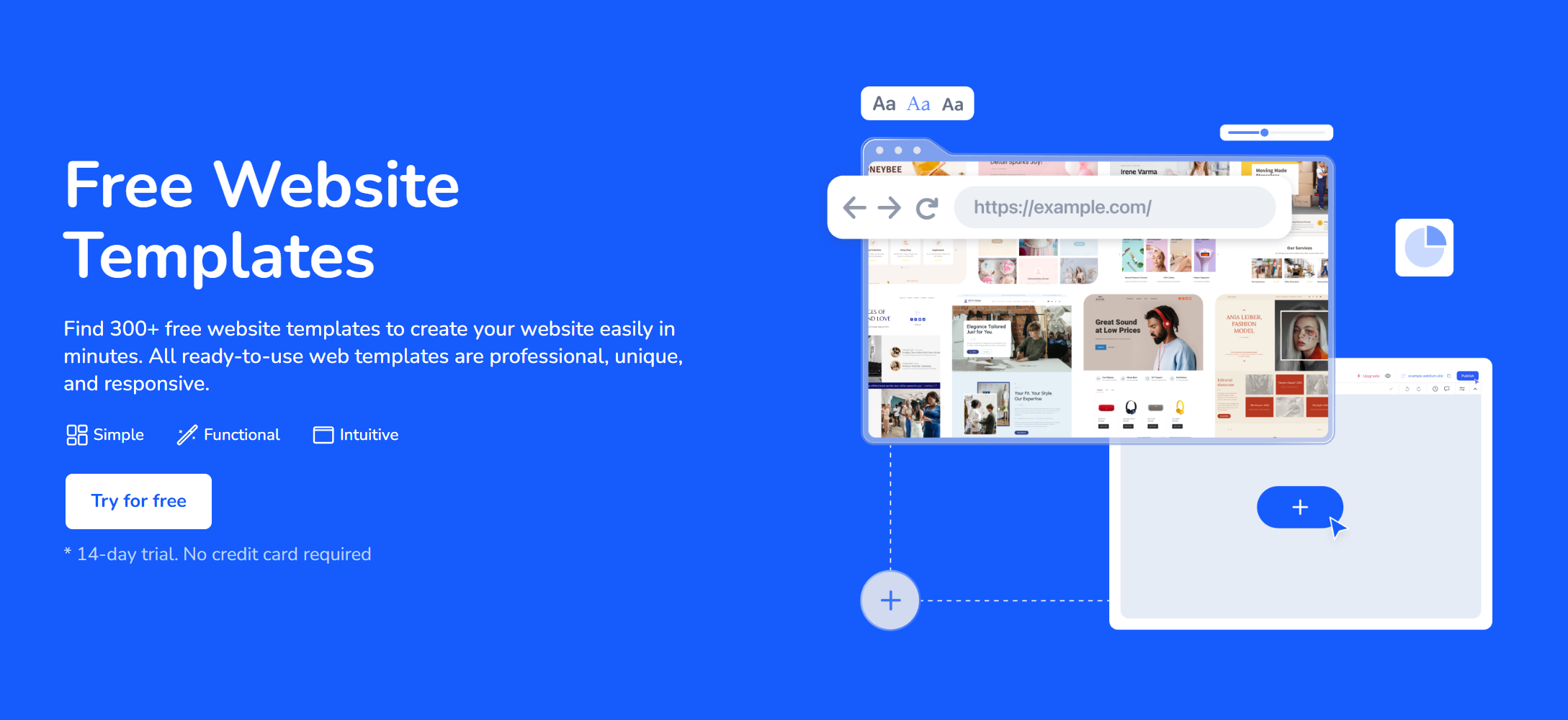
This reality has driven a renewed interest in modern, lightweight website builders. These platforms have evolved far beyond the restrictive, template-heavy tools of the past. Today, they offer AI-assisted design, clean code output, and intuitive editing experiences that rival traditional CMS platforms in flexibility, while drastically reducing the time-to-launch. However, not all builders are created equal, and choosing the right one requires a structured evaluation process.
My Personal Experience: When Traditional CMS Was Overkill
Last year, I was approached by a specialized B2B consulting firm that needed a professional, high-converting online presence. They had no in-house technical staff, a limited initial budget, and a strict three-week deadline to coincide with a major industry conference. My default instinct, honed over years of managing WordPress environments, is always to reach for a traditional CMS. I know the ecosystem, the plugin landscape, and the hosting requirements intimately.
However, I ran the numbers. Setting up managed hosting, configuring security and caching plugins, selecting and heavily customizing a theme, and then training the client on the block editor would have consumed the entire budget and timeline before we even finalized the core copy. The long-term maintenance overhead for the client would also be unacceptably high.
Instead, I evaluated a few modern, lightweight alternatives. I ended up using Weblium for this project. The AI-assisted design suggestions and intuitive block-based editor allowed me to assemble a highly polished, fast-loading site in a fraction of the time. The intelligent layout adjustments meant I did not have to fight with custom CSS to make sections look cohesive on mobile devices.
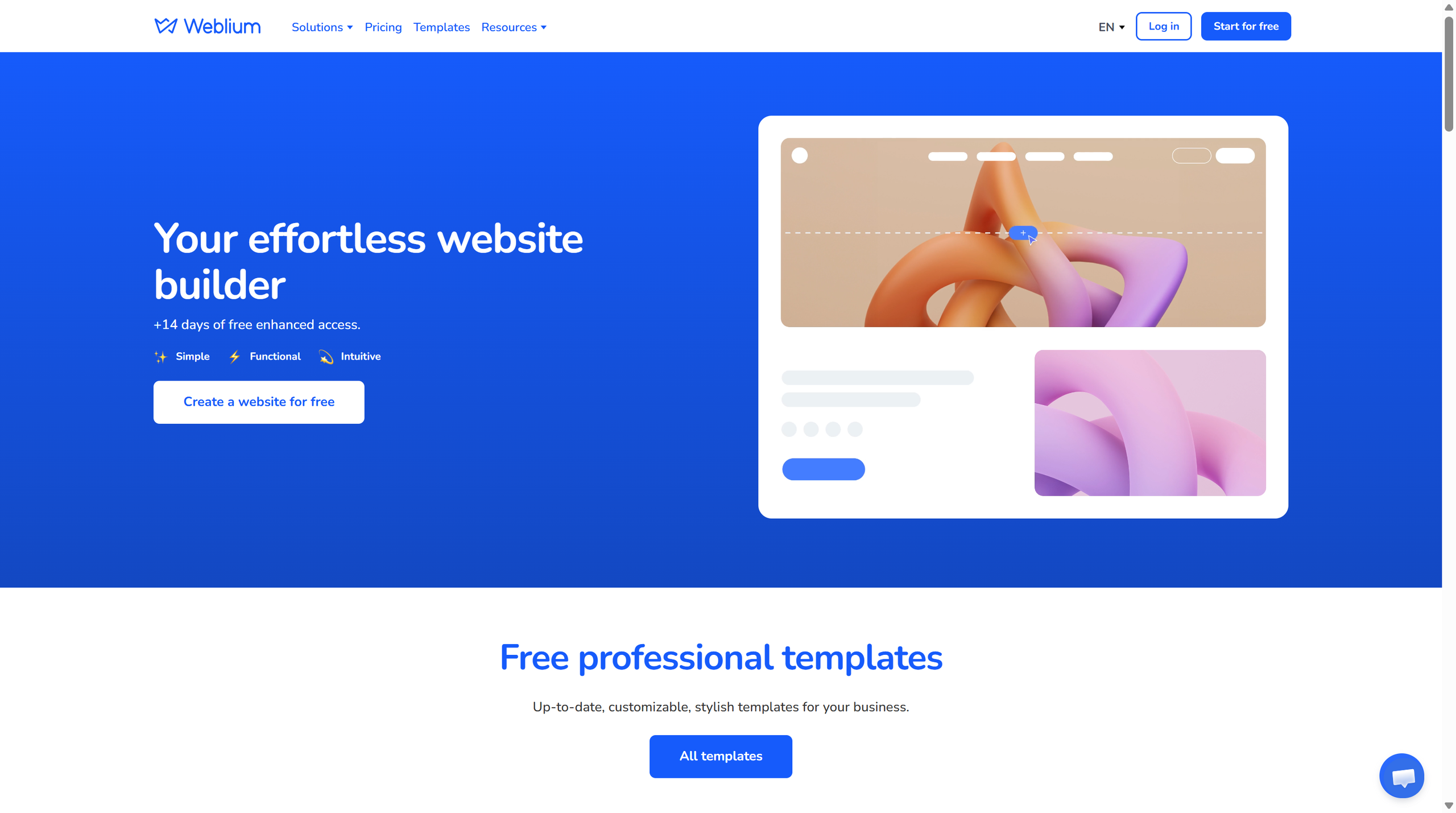
Most importantly, when I handed the site over, the client could easily make text and image updates themselves without breaking the underlying layout or structure. This experience fundamentally shifted my perspective: while a traditional CMS is incredibly powerful, it is not always the right tool for a simple, high-impact business site that needs to launch quickly and remain easy to manage.
Decision Table: Website Builder vs. Traditional CMS
To make an objective choice, I use a simple decision matrix. This helps clarify where each approach shines and where it introduces unnecessary friction.
| Approach | Where it helps | Where it falls short | My verdict |
|---|---|---|---|
| Traditional CMS (e.g., WordPress) | Complex sites, heavy content marketing, deep customization, and large-scale automation. | Steep learning curve, ongoing plugin maintenance, security vulnerabilities, and potential plugin conflicts. | Best for content-heavy, highly custom, or large-scale projects. |
| Lightweight Website Builder | Rapid deployment, clean out-of-the-box design, and easy client self-management. | Limited advanced functionality, potential platform lock-in, and less granular control over server-side logic. | Best for small business brochures, portfolios, and simple service-based sites. |
| Custom Development | Exact feature matching, unique business logic, and highly specific user journeys. | High initial cost, long development timeline, and requires a developer for even minor text changes. | Only justified for unique SaaS products or complex web applications. |
What I Measure When Evaluating a Website Builder
When testing a new platform, I do not just look at the marketing claims. I measure specific, tangible outcomes that directly impact the final product and the client’s long-term experience.
| Measure | Good sign | Bad sign |
|---|---|---|
| Time to launch | The site is live, functional, and polished in days, not weeks. | I spend more time fighting the editor or debugging layout issues than building the site. |
| Design specificity | The output looks tailored to the brand, with flexible spacing and typography controls. | Every site built on the platform looks identical, with rigid, unchangeable template structures. |
| Client autonomy | The client can update text, swap images, and add blog posts without breaking the layout. | The client needs to call me for every minor text change because the editor is too fragile. |
| Performance | The site scores well on Core Web Vitals out of the box, with minimal JavaScript bloat. | The platform injects heavy, unoptimized scripts and redundant CSS by default. |
| Editorial control | I can still make clear, specific recommendations for design and content hierarchy. | The tool pushes the article or site layout toward safe, generic neutrality. |
Who Should Use a Lightweight Website Builder?
Not every project is a good fit for a streamlined builder. Based on my workflow, here is a breakdown of who benefits most from this approach.
| User type | Good fit? | Why |
|---|---|---|
| Solo entrepreneur or consultant | Yes | It reduces technical friction and allows immediate focus on core business activities and lead generation. |
| Small business with no tech staff | Yes | It provides a professional, secure result without requiring a dedicated webmaster or ongoing agency retainer. |
| Enterprise marketing team | No | They require advanced API integrations, headless architectures, and granular control over the deployment pipeline. |
| Web designers managing multiple clients | Yes | It allows for rapid prototyping, consistent design systems, and easy handoff for basic, day-to-day maintenance. |
| Beginner expecting one-click publishing | No | Any professional workflow still requires human judgment, quality examples, and manual cleanup before launch. |
Key Features I Look For (And Why They Matter)
When narrowing down my options, I prioritize a specific set of features that separate professional-grade tools from amateur toy builders.
- AI-Assisted Design and Content Structuring: Modern builders should do more than just provide blank canvases. Intelligent suggestions for layout hierarchy, color contrast, and even initial copy structuring can cut the initial setup time in half. This is not about replacing human creativity, but about eliminating blank-page friction.
- True Responsive Editing: Many older builders simply scale down desktop elements for mobile, resulting in cramped, unreadable interfaces. I look for platforms that allow granular, device-specific adjustments to padding, font size, and element visibility, ensuring a genuinely optimized mobile experience.
- Clean, Semantic Code Output: One of the most common frustrations with drag-and-drop builders is the “div soup” they generate. Excessive, nested HTML elements bloat the page size, slow down rendering, and make it difficult for search engine crawlers to understand the content hierarchy. A good builder outputs clean, semantic HTML5, which directly contributes to better Core Web Vitals scores.
- Built-in SEO and Analytics Foundations: The platform must allow easy editing of meta titles, descriptions, heading structures, and image alt text. It should also integrate seamlessly with standard analytics tools without requiring complex, third-party tag manager setups for basic tracking.
- Transparent, Scalable Pricing: Hidden fees for basic features like custom domains, SSL certificates, or form submissions are a major red flag. I prefer platforms with straightforward, tiered pricing that clearly outlines what is included at each level.
My Practical Walkthrough: Setting Up a Site in Under an Hour
To demonstrate the efficiency of a modern builder, here is my streamlined workflow for taking a small business site from concept to a functional draft in a single session.
Step 1: Defining the Core Message (Before touching the tool)
I never start by picking a template. I start by writing the core value proposition, the primary call to action, and the three key supporting points in a plain text document. This ensures the design serves the message, rather than forcing the message to fit a predefined, restrictive layout.
Step 2: Selecting and Customizing the Base Layout
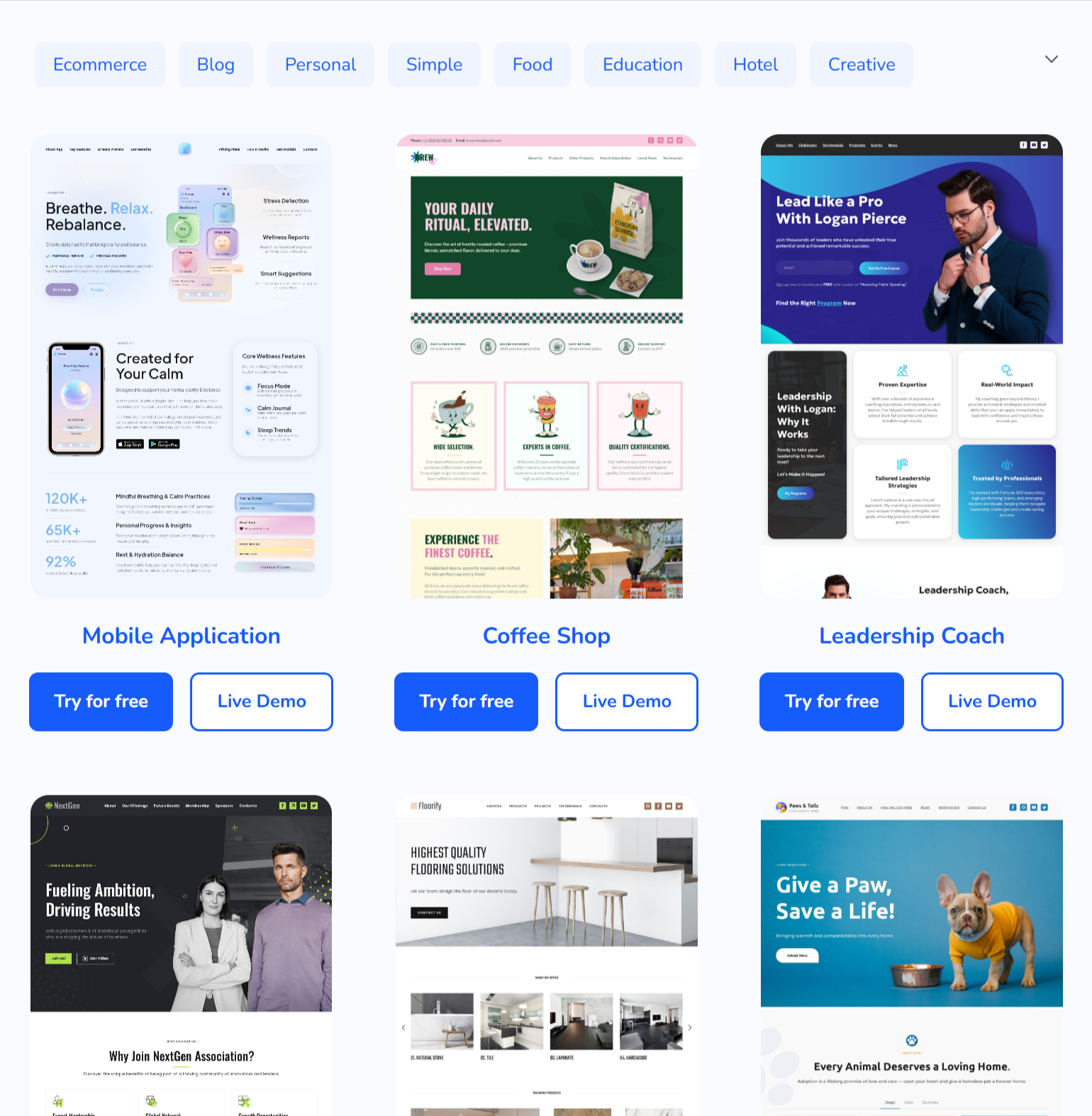
I choose a starter template that closely matches the desired structural flow, not necessarily the exact aesthetic. I then apply the brand’s color palette and typography. Modern builders make this a global change, instantly updating the entire site’s feel without requiring manual adjustments to each individual section.
Step 3: Integrating Essential Business Tools
A business site is useless if it cannot capture leads. I embed the contact form, link the business location map, and integrate any necessary scheduling or payment widgets. The best builders treat these as native, styled components rather than clunky, mismatched embeds.
Step 4: The Pre-Launch Checklist
Before handing over the keys, I run a final check: I verify all internal links, test the form submission, check the mobile view on an actual phone (not just the browser emulator), and ensure all images have descriptive alt text. This manual review is non-negotiable, regardless of how good the automated tools are.
Common Pitfalls and How to Avoid Them
Even with the best tools, poor processes can lead to subpar results. Here are the most common mistakes I see, and how I actively avoid them in my own workflow.
- Template Paralysis: Spending hours browsing hundreds of templates instead of focusing on the core message.
- Solution: Pick the first structurally sound template that fits the general vibe and move on to customization.
- Ignoring SEO Fundamentals: Assuming the builder handles everything automatically without adding custom meta descriptions, proper heading hierarchies, or optimized image file sizes.
- Solution: Treat SEO as a manual, intentional step in the publishing checklist.
- Overcomplicating the Navigation: Adding too many pages or dropdown levels for a simple business site.
- Solution: Stick to a flat, clear navigation structure (Home, Services, About, Contact) that guides the user directly to the conversion point.
- Forgetting the Handoff: Building a site that is easy for me to edit, but confusing for the client.
- Solution: Before final delivery, I log in as an “editor” and try to make a simple text change. If I struggle, the client will definitely struggle.
My Recommendation and Final Verdict
I recommend using a modern, lightweight website builder when the project already has a clear purpose, and the primary goals are speed, structural clarity, and ease of long-term maintenance. I would not use it when I am still unsure what the site should argue or when the project requires complex, custom database interactions. In those cases, a traditional CMS or custom development remains the only viable path.
For small business owners, consultants, and service providers, the best result is not the most technically complex website. It is the site that becomes easiest to maintain because the layout is logical, the editing experience is forgiving, and the final design has a clear, professional reason behind every element. That is the standard I use before letting any site into the publishing calendar.
Final verdict: A modern website builder is absolutely worth using when it makes the process of building a small business site clearer, faster, and easier to edit. I do not use it as a replacement for strategic judgment. The tool can help generate options and accelerate production, but the final website still requires a human decision about what belongs, what gets removed, and what the visitor should do next. When applied with this level of intentionality, platforms like Weblium prove to be invaluable assets in a modern digital workflow.