Use Gemini to Review a WordPress Post Before Scheduling
Ask Gemini to flag exact passages in a WordPress draft, then verify every correction against primary sources before scheduling.

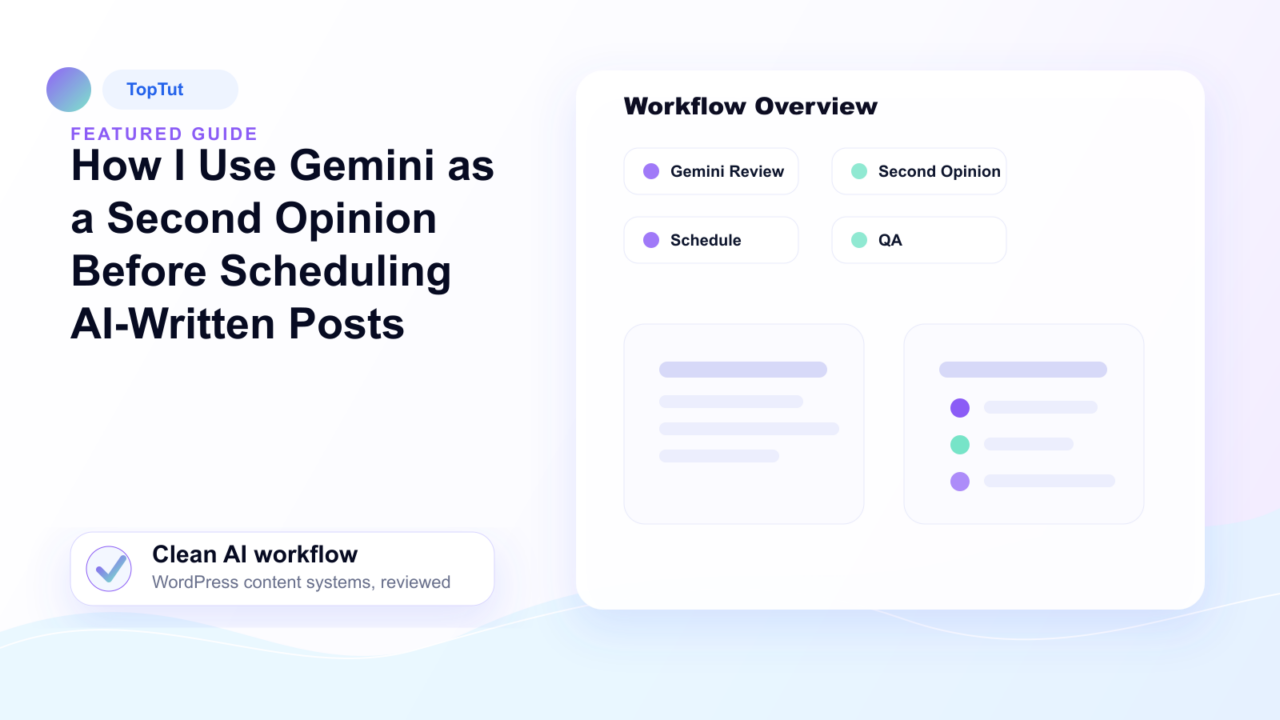
A second model can notice a missing step or a broad claim, but agreement between two models is not evidence. The useful output is a short list of passages for an editor to inspect. “Looks good” and an unexplained score are not enough to publish.
Choose a draft with a checkable question
Write down the reader’s task first: for example, “Can a WordPress editor add an FAQ that answers a genuine follow-up question?” Read the draft yourself and mark any promise that depends on a product feature, search result or measurement. A review prompt is useful only when the model can point to the exact text it is criticizing.
Do not paste private customer material or credentials into an external tool. For a public article, give Gemini the relevant draft, title, intended reader and public source links. Ask for a limited review rather than a replacement article.
Ask for objections tied to passages
A copyable request is: “Review this draft for the stated reader task. Quote up to five exact passages that may be unsupported, repeated, out of date, or missing a necessary step. For each, explain the reader problem and name the source that would settle it. Mark anything you cannot verify from the supplied material. Do not rewrite the whole article or invent a test.”
Sort the response into three actions: check the cited source, inspect the WordPress page, or reject the suggestion. If the review proposes an extra section, ask whether the reader needs it. A section that merely rounds out the outline can make the page longer without making it more useful.
Use a real claim to test the critique
Suppose a draft says that adding FAQ markup will make its questions appear as Google FAQ rich results. A second-opinion review should flag that as time-sensitive. Google’s Search documentation update log says FAQ rich results stopped appearing in May 2026 and the feature documentation was removed in June. The editorial correction is to remove the search-display promise and keep the FAQ only if it helps the reader. This is an example of a claim to verify, not a claim that the model produced a particular answer.
The same rule applies to a plugin feature or price. Open the vendor’s current documentation. If it supports a narrower statement, narrow the wording. If the source is silent, mark the gap or delete the claim. Do not replace a wrong assertion with a confident paraphrase of another model’s guess.
Finish in WordPress, not in the chat
- Resolve the flagged passages in the article itself, then read the full post once more for flow and repetition.
- Check title, excerpt, links, images and any automatic link insertions in the editor preview.
- Have the responsible editor decide whether the page answers the reader’s question and whether every consequential claim has support.
- Set the future publication date only after that review. WordPress’s post settings distinguish Draft, Pending Review and Scheduled states.
- When the post is public, open its ordinary URL and inspect the rendered text and link destinations. Clear a stale page cache if needed, then check again.
WordPress’s post-settings guide documents those states. A second model is one way to generate questions for the editor; it is not an independent source or a publication gate. The final decision rests on the evidence in the article and the page the reader receives.
Frequently asked questions
Can Gemini review a WordPress article before I schedule it?
It can flag passages that may be unsupported, repeated, outdated or missing a step when you provide the reader task, draft and public sources. An editor still has to check each suggestion and decide whether the post is ready.
What should I ask Gemini to check in a blog draft?
Request exact quoted passages and a specific reader problem for each one. Ask what source would settle the issue, and tell it to mark gaps rather than invent tests, prices, product features or citations.
Does agreement between two AI models prove an article is accurate?
No. Two models may repeat the same unsupported claim. Verify consequential facts against the original source, a documented test or the actual product before publishing.
Can Gemini verify facts from links in my WordPress post?
Treat any model response as a lead for investigation. Open the original linked pages yourself and check that each source supports the nearby sentence, including dates, plan limits and exceptions.
Should I paste private client material into Gemini for review?
Do not send private customer files, credentials or unpublished sensitive material to an external tool unless your organization has approved that use and the service terms fit the data. Work from public or permitted material instead.
What should I check after scheduling a WordPress post?
Before setting the date, check the final title, excerpt, links, images and claims in WordPress. Once the post is public, open its ordinary URL and confirm the rendered text and destinations; clear stale caches if they still show an older version.