How I Use a WordPress Editorial Calendar to Keep AI Content Under Control
A practical TopTut guide to how i use a wordpress editorial calendar to keep ai content under control, with first-person workflow notes, comparison table, examples, criticism, and a clear verdict.

Summary: AI-Assisted WordPress Publishing Framework
To keep AI drafts visible and controlled within WordPress, publishers must implement a custom 5-stage editorial calendar (Idea ➔ Draft ➔ Edit ➔ Media/Prep ➔ Scheduled). This system prevents low-effort generative bloat by ensuring AI is used strictly for modular text assistance (outlines, structural variations, specific data formatting) rather than autonomous execution. Human editors maintain quality control by pruning generic syntax, verifying product capabilities against official documentation, and infusing proprietary situational examples prior to scheduling.
I am looking at this from the perspective of a WordPress publisher who wants better posts, not just faster drafts. The real question is whether the tool or workflow improves keeping AI drafts visible inside an editorial calendar without creating bland paragraphs, weak examples, or extra cleanup later.
The concrete situation is simple: a calendar view with idea, draft, edit, screenshot, and scheduled statuses. That is the kind of task where AI can be genuinely useful, but only if I keep the scope narrow and judge the output against the final reader experience.
Managing AI-assisted content at scale requires strict pipeline visibility to prevent the accumulation of low-effort drafts, generic formatting, and factual inaccuracies. An optimized WordPress editorial calendar acts as a quality gate, ensuring generative outputs are systematically reviewed, contextualized, and refined before publication.
What is an AI-Optimized WordPress Editorial Status Workflow?
A standard WordPress setup lacks the granular status tracking required to monitor generative content production stages. Implementing a customized 5-stage editorial taxonomy allows publishers to isolate machine-generated text, enforce manual editorial review, and track asset preparation.
The 5-Stage Editorial Pipeline
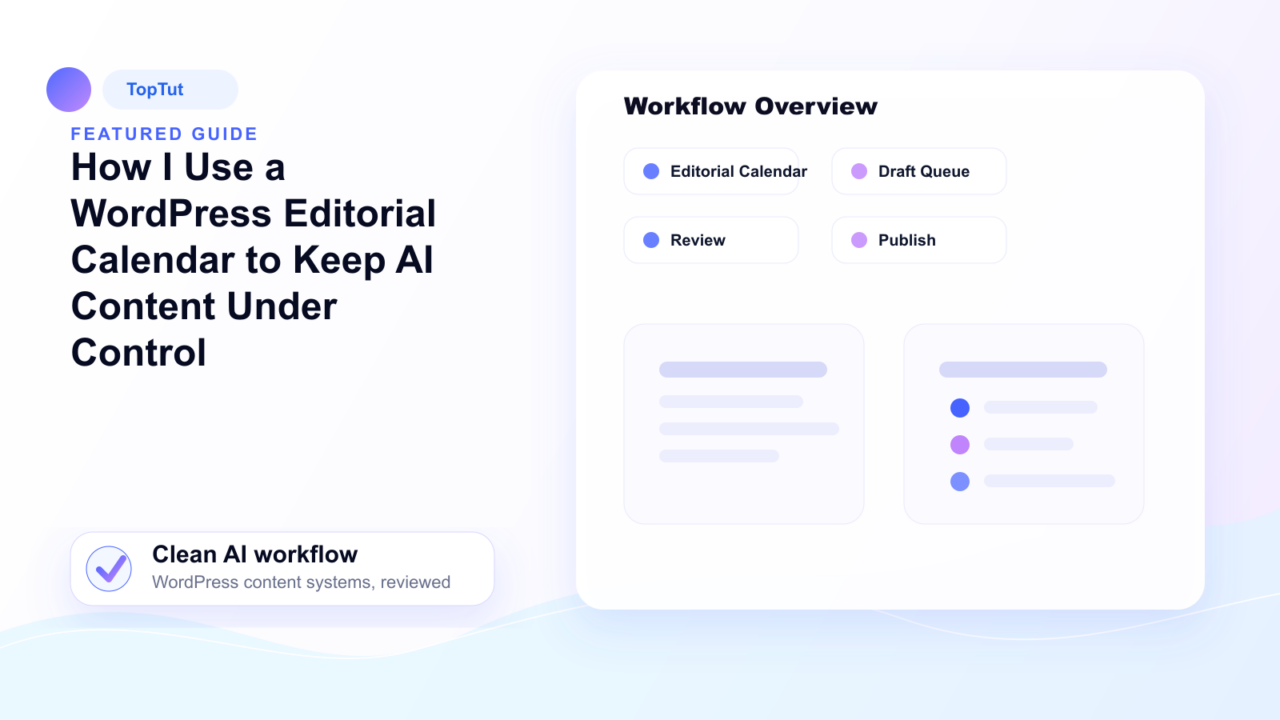
[Idea] ➔ [Draft (AI-Assisted)] ➔ [Edit / Human Review] ➔ [Screenshot / Asset Prep] ➔ [Scheduled]
- Idea: Central repository for validated keyword targets, search intent documentation, and unique brand angles before any text is generated.
- Draft: The stage where initial AI prompting and structural generation occur. Content remains restricted to this stage until a human editor reviews the output.
- Edit: Manual intervention phase. Editors strip out boilerplate syntax, verify technical assertions, inject proprietary insights, and align the voice with brand guidelines.
- Screenshot / Media: Manual addition of concrete visual evidence, custom UI screenshots, or data visualizations that AI engines cannot replicate.
- Scheduled: Final quality-assured assets placed into the queue for publication.
Manual Planning vs. AI Assistance vs. Full Automation
Relying entirely on one production method compromises either output speed or editorial integrity. Scaling technical sites requires a hybrid framework that assigns specific tasks to human judgment and technical execution.
| Production Approach | Primary Application | Core Structural Weakness | Optimal Deployment Trigger |
| Manual Planning | Defining editorial angles, sourcing unique data, and mapping search intent. | Requires high cognitive focus and upfront time allocation. | When a topic demands a contrarian opinion, proprietary data, or unique industry insights. |
| AI Assistance | Generating structural outlines, alternate subheadings, and section variations. | Tendency to introduce generic filler and repetitive sentence structures. | When a structural blueprint or a counter-argument list is needed for an established concept. |
| Workflow Automation | Moving approved text layers into WordPress and executing administrative tasks via tools like n8n or Make.com. | Risks accelerating the publication of low-quality or unverified drafts if unchecked. | When a piece has passed manual editorial review and requires formatting or programmatic scheduling. |
How to Maintain Editorial Control Over Generative Drafts
The primary point of failure in AI-assisted workflows is treating generative engines as autonomous authors rather than text production assistants. Maintaining quality requires a modular approach to text generation and rigorous manual enforcement.
roll out Fragmented Generation
Requesting a complete 2,000-word article from a single prompt forces the model to rely on generic transitions and predictable structures. Instead, generate content in targeted micro-outputs:
- A localized outline addressing missing consumer objections.
- A concise technical explanation of a single feature.
- Alternative headline variations based on specific CTR targets.
Enforce the Specificity Benchmark
A generative draft is fundamentally incomplete if its paragraphs can apply to multiple unrelated topics. Every technical section must be anchored to concrete, situational examples. If a draft discusses workflow optimization, it must explicitly reference specific software statuses, database interactions, or configuration steps relevant to the target reader.
Systematize the Revision Phase
Editors must evaluate machine drafts against strict filtering criteria before advancing them to the scheduling phase:
- Information Density: Strip out introductory fluff, repetitive phrasing, and transitional clichés (“In today’s digital landscape,” “It is important to remember”).
- Factual Verification: Cross-reference all technical features, API limits, and software pricing tiers directly against official documentation rather than trusting model training data.
- Definitive Recommendations: Ensure the content arrives at a distinct, justifiable conclusion rather than offering a safely neutral, non-committal summary of options.
Frequently Asked Questions
Can the WordPress editorial calendar and AI content pipeline be fully automated?
No, complete automation removes the critical human verification layer, resulting in generic content that fails search engine quality standards. Automation should be restricted to administrative tasks, such as moving approved drafts through status updates via n8n or Make.com, while keeping quality control strictly manual.
What is the most common mistake when integrating AI into an editorial calendar?
The most critical error is mistaking syntactic fluency for factual utility and structural depth. Generative tools produce highly coherent, polished paragraphs that often lack unique insights, precise data points, or practical utility for the end reader.
How do you identify a low-quality generative draft during review?
Low-quality drafts are characterized by safe, neutral positioning, an absence of concrete real-world examples, and highly predictable formatting. If a section can be placed into an article about a completely different software tool without requiring rewrites, the content lacks the necessary specificity to publish.
Would I automate this completely?
No. I would use automation or AI assistance for the repetitive part, but I would keep the final examples, recommendation, and publishing decision manual.
What is the biggest mistake?
The biggest mistake is mistaking a fluent draft for a useful draft. I look for specific examples, clear contrast, and a point of view before I trust the output.
When is this workflow worth using?
It is worth using when the finished draft is faster to produce, easier to edit, and more specific than a generic AI article. It is not worth using when the output needs so much cleanup that writing manually would have been faster.